Managing Leads
Written By inblog Team
Last updated About 1 year ago
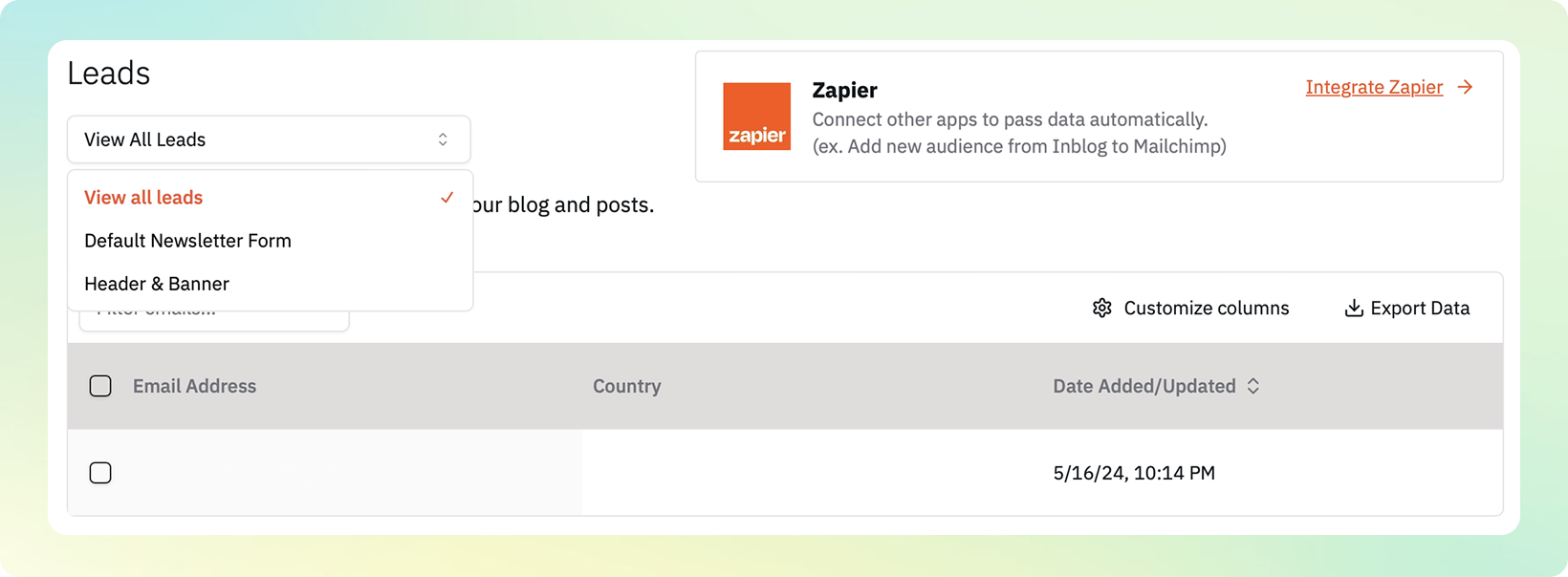
To view and manage collected leads, go to Leads from the left sidebar. Each submitted form is organized by its corresponding lead form, allowing you to track performance and responses.
Exporting Lead Data
Click Export Data to download submission details, including all user responses from each form. This is helpful for lead segmentation, campaign follow-ups, or CRM import.
Zapier Integration
inblog supports Zapier integration for automating lead workflows. You can connect lead forms to external tools such as:
CRM platforms (e.g., HubSpot, Salesforce)
Email marketing tools (e.g., Mailchimp, ConvertKit)
📌 Once connected, new leads are automatically sent to your preferred tools in real time.