Submitting Your Sitemap
Written By inblog Team
Last updated About 1 year ago
Important: Before submitting your sitemap, you must verify ownership of your blog domain in Google Search Console.
How to Submit Your Sitemap
Go to the Google Search Console website.
From the dropdown menu, select the property (your blog domain).
In the left-hand navigation panel, click Sitemaps.
In the “Add a new sitemap” field, enter the URL slug of the sitemap you want to submit.
For example, to submit the sitemap for your entire blog, enter:
sitemap.xml
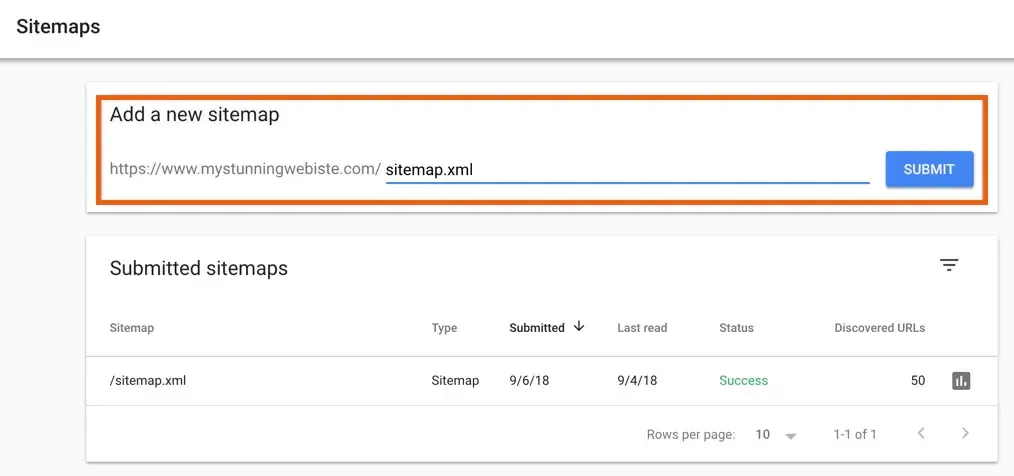
Click Submit.
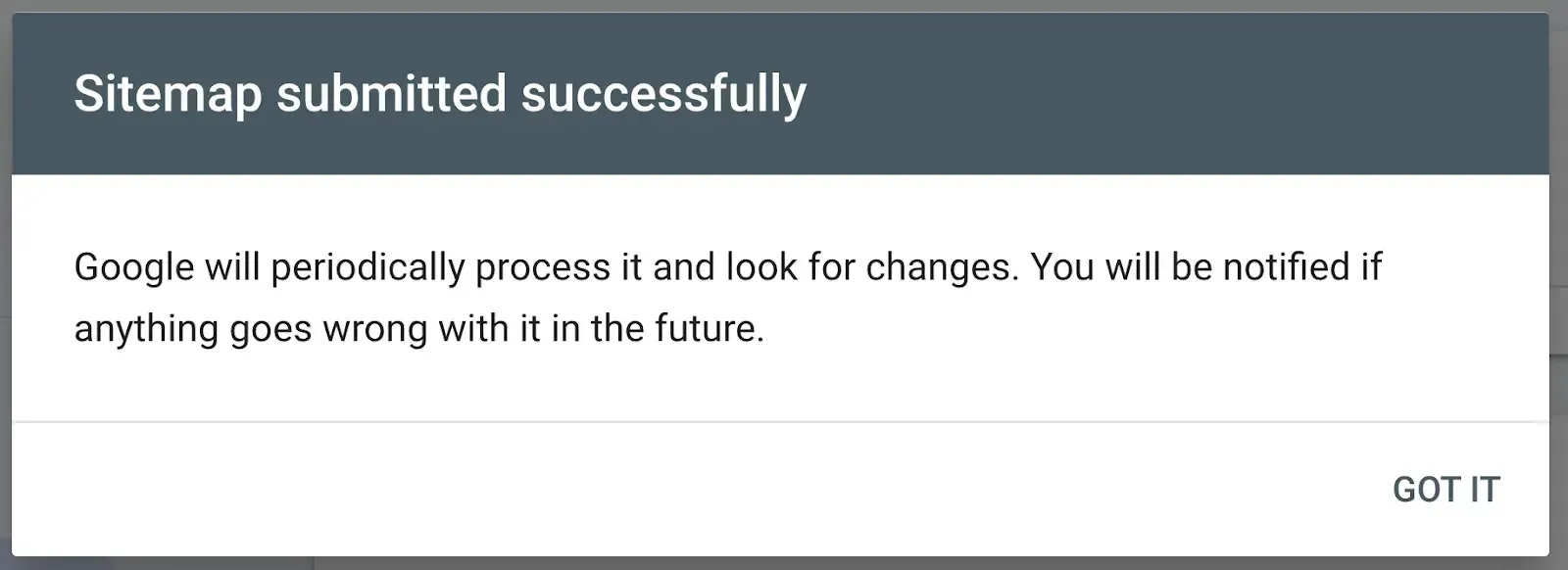
Once your sitemap is successfully submitted, you’ll see a confirmation message like the one below: