Getting Started with inblog
Written By inblog Team
Last updated About 1 year ago
Sign Up for inblog
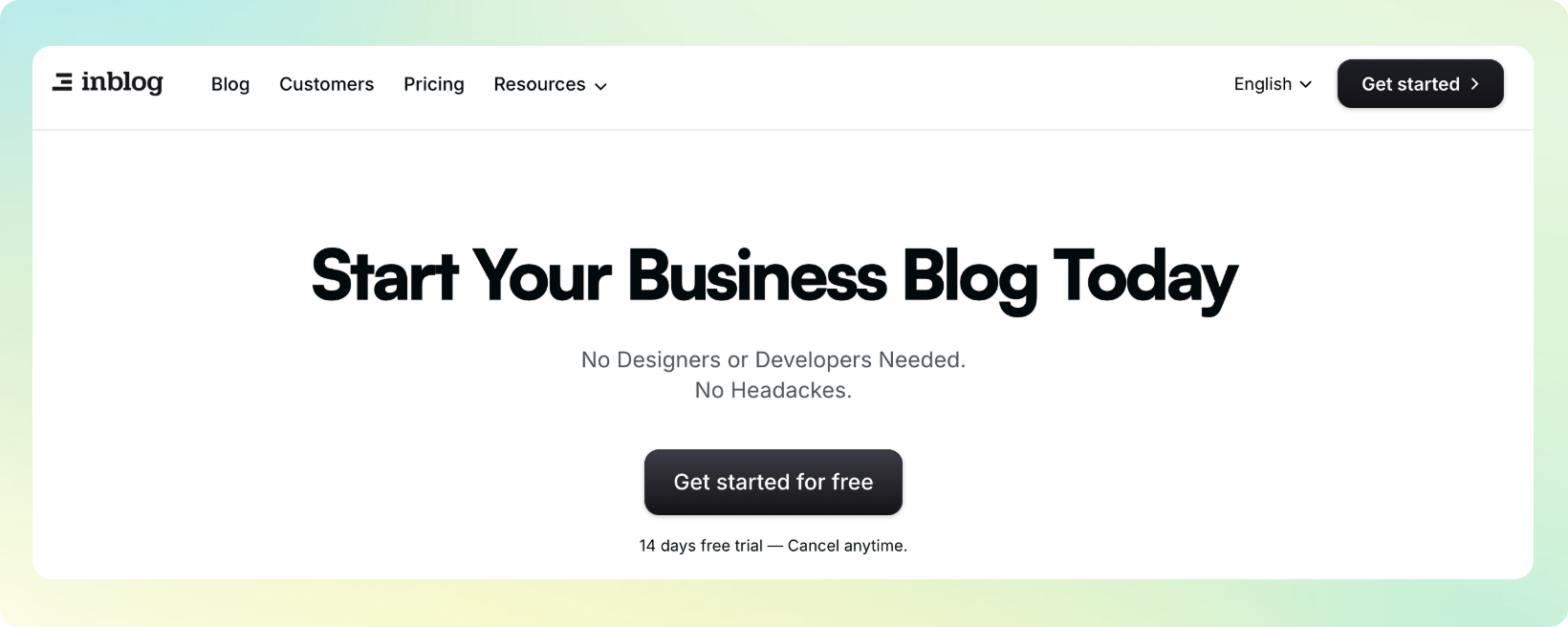
You can sign up by clicking Get started in the top-right corner of our homepage, or by selecting Get started for free from the main screen.
Choose a Plan
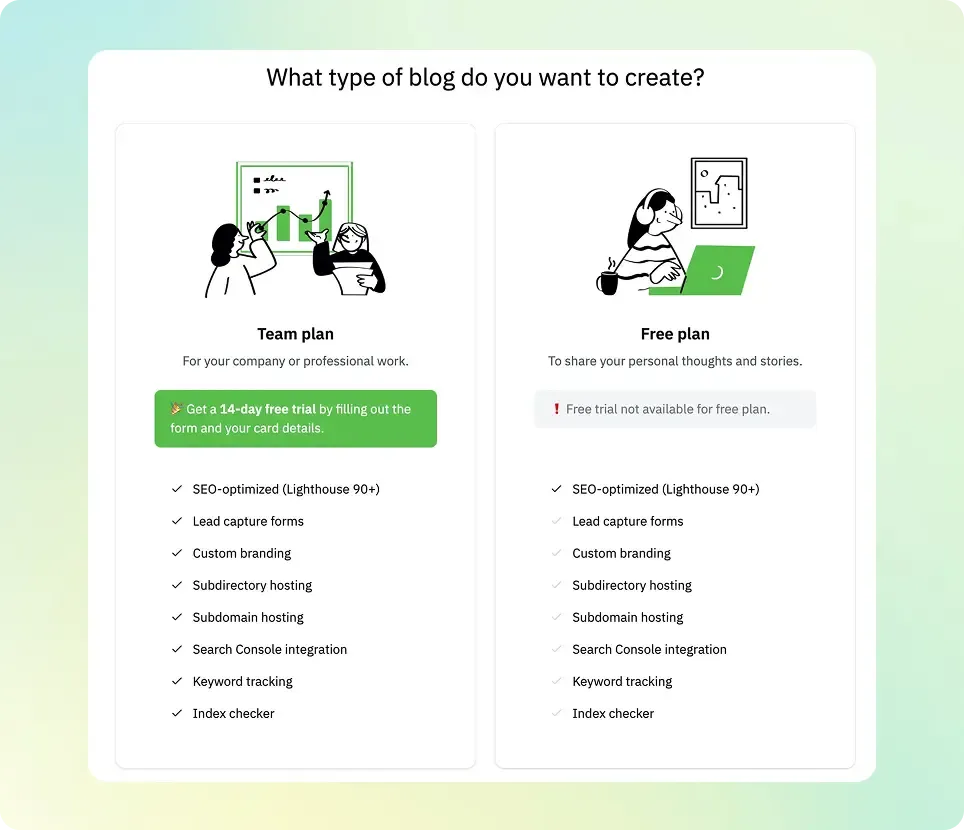
After signing up, you’ll be prompted to select a blog plan.
A. Team Plan
Ideal for businesses and professional blogging. Gain full access to all inblog features, including custom domain integration, lead capture forms, and custom design. A 14-day free trial is provided, and you can cancel your subscription at any time.
B. Free Plan
Best suited for individual creators. Enjoy basic access to inblog for free. Please note that some features (such as custom domain) are limited.
Creating a Blog with the Team Plan
A. Blog Name & Address Setup
Once you’ve selected your plan, you’ll set your blog name and blog address. (This step is the same for the Free Plan.)
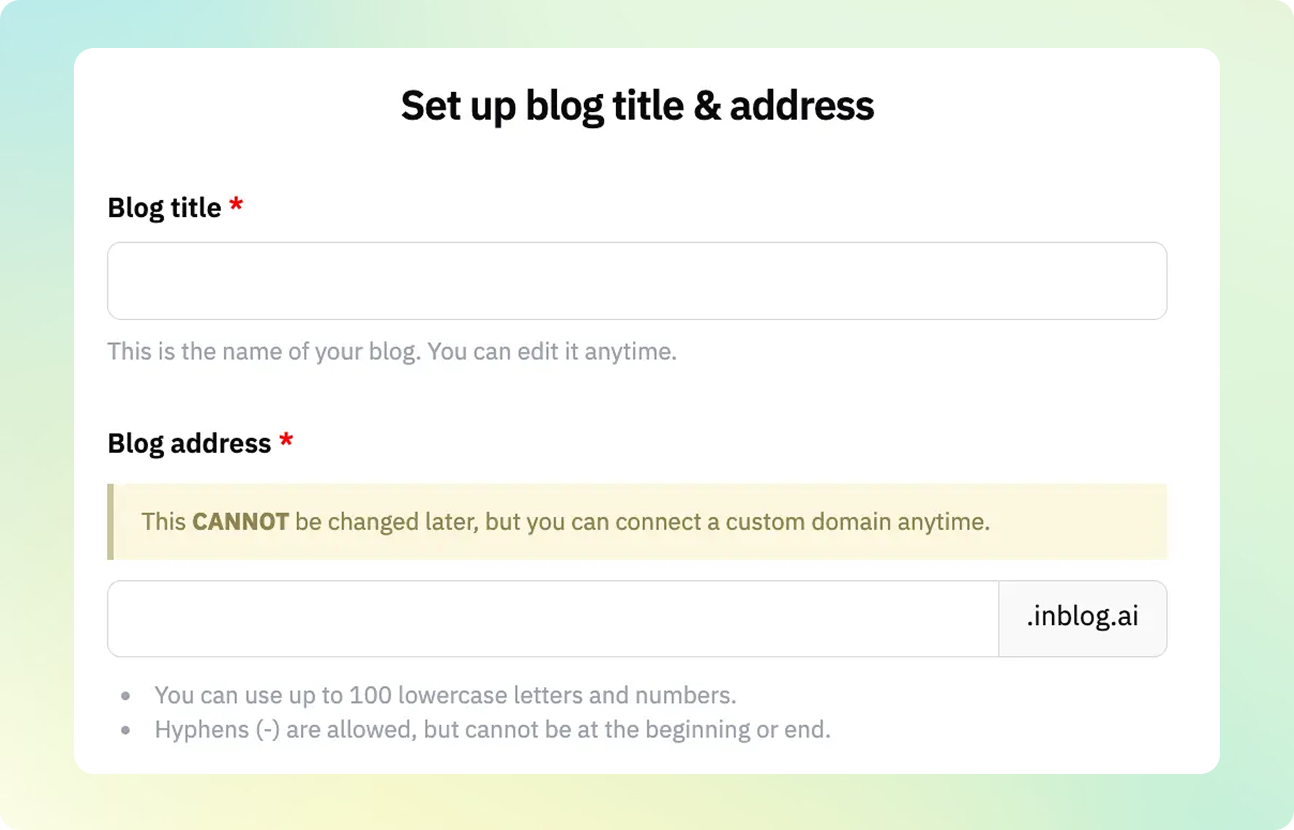
Blog Title
Enter the name of your blog. You can update this later at any time.
Blog Address
Choose the subdomain for your blog. For example, in example.inblog.ai, you can customize the example part. (⚠️ Note: Once set, the subdomain cannot be changed.) If you plan to use a custom domain later, this subdomain will not be used publicly.
Subdomains must be lowercase letters and may include hyphens (-), but not at the beginning or end.
✅ Examples:
company-name.inblog.ai,concept-of-blog.inblog.ai❌ Not recommended:
abc456.inblog.ai,a-p-p-l-e.inblog.ai
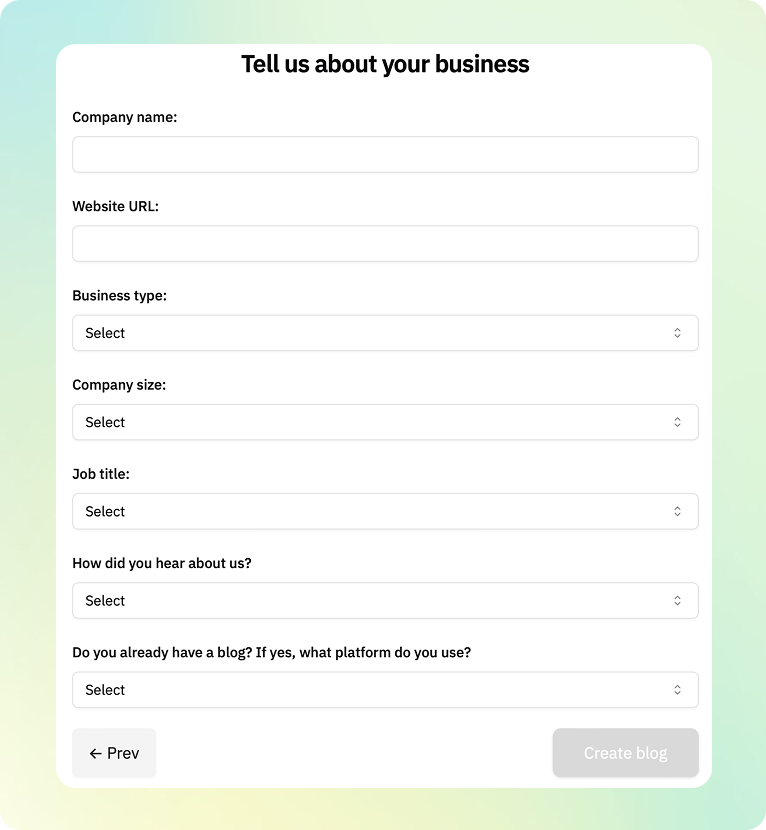
B. Business Information
Enter your company name, website URL, and other relevant business details.
C. Card Registration
To activate the 14-day free trial, you’ll need to register a credit card. After the trial, billing starts automatically—though you can cancel anytime before the period ends.
Creating Multiple Blogs Under One Account
There is no limit to the number of blogs you can create under a single account. However, each blog under the Team Plan will require a separate subscription.
To create additional blogs, click the inblog logo on the left side of your dashboard’s home screen. Then click the New blog button in the top-right corner to start a new blog.